Home AI AdsNEW
ERP Features
FBA Replenishment FBA Shipping Product Performance Customer Service Purchasing, Sales & Inventory Financial Reports All Features
More
Pricing Customer Stories About Us 中文
Product Features · FBA Replenishment

Automatically calculate replenishment quantity,
No shortage, no backlog

Keep abreast of sales trends, FBA inventory and on-sale product status, simulate future inventory trends, and intuitively see out-of-stock dates.
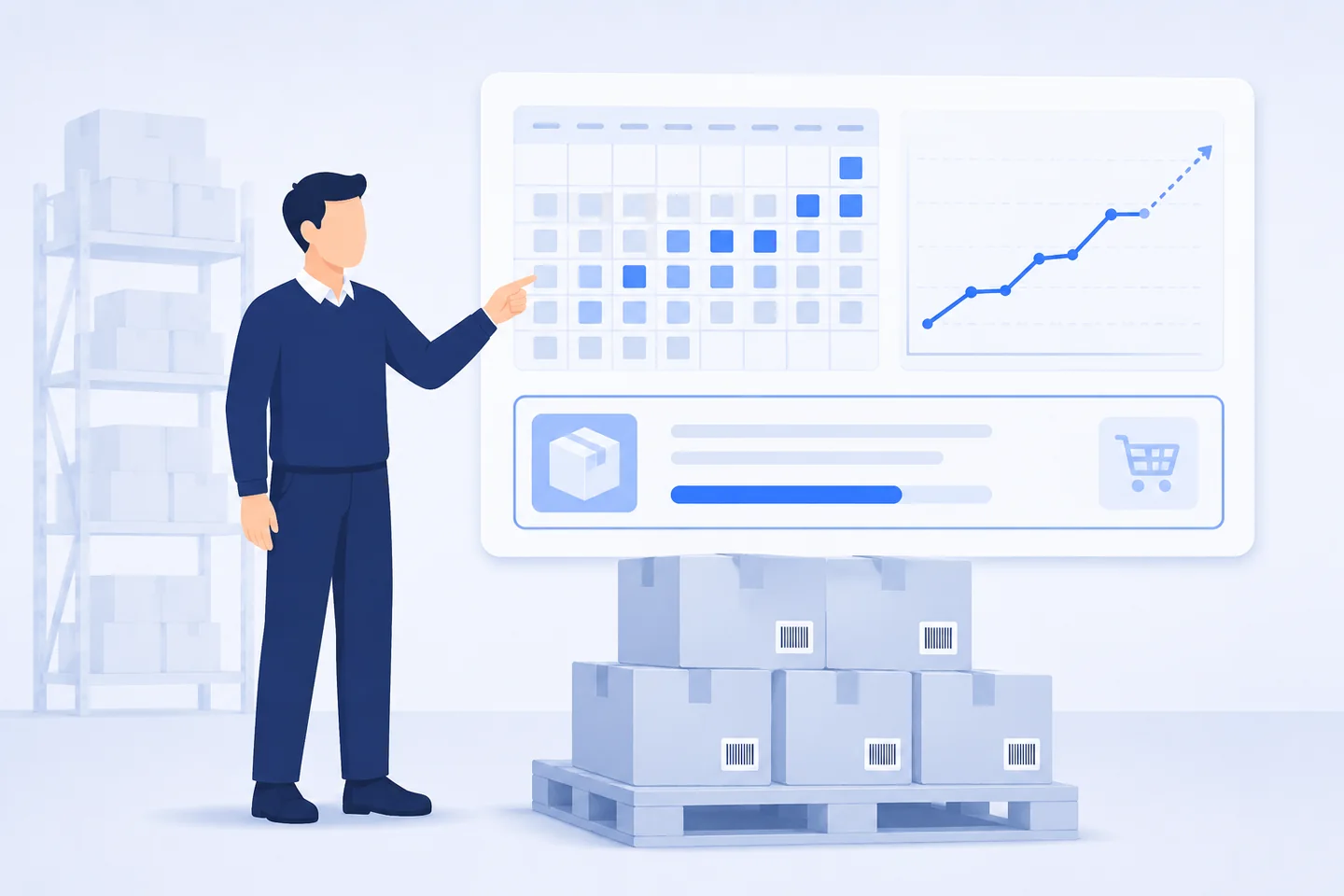
Operations personnel check the replenishment board: the left side is a simulated inventory calendar, the right side is sales trends and replenishment suggestions, and the bottom is goods to be replenished.
Replenishment suggestionsGenerate planmerchandiseSales volume in the past 30 daysAvailable daysRecommend replenishment1,24018 days1,20086026 days6404159 days88020841 days—

FBA replenishment calculation

Keep abreast of sales trends, FBA inventory and status of goods on sale, and automatically calculate FBA replenishment quantities to ensure there are no shortages or overstocks.

Use now
available for sale1,240On the way850Working320reserved60Sales trend (pieces)Last 90 days3 days7 days14 days30 days60 days90 days

Sales key data display

FBA inventory displays working, in-transit, reserved, available for sale, and received medium key item data; displays 3-day, 7-day, 14-day, 30-day, 60-day, and 90-day sales to control sales trends in a timely manner.

Use now
Simulate inventory trendsOut of stock 08-24Shipment arrives at warehouseOut of stock08-0108-0808-1508-2208-29

FBA replenishment formula is flexible and comprehensive

Consider the arrival date of FBA Shipment, simulate the inventory calendar, simulate the future FBA inventory trend, and intuitively see the out-of-stock date; the replenishment formula is flexibly set, and the predicted sales volume is imported. The replenishment suggestions also include logistics, shipping date and purchase date.

Use now
Sales Rank TrendRanking continues to riseNumber of comments1,284average star rating4.6

Multi-dimensional operational indicators

Display the number of reviews, Sales Rank curve, track ASIN ranking changes, and provide multi-dimensional replenishment indicators for operations.

Use now
From replenishment advice to shipment, a closed loop runs through itFBA replenishment calculationProcurement planpurchase orderFBA inventoryFBA shipment outboundlocal inventoryThe out-of-stock quantity is automatically transferred to the purchasing or pre-delivery plan, and the goods are shipped locally and then returned to FBA.

From replenishment advice to shipment, a closed-loop workflow

The calculated out-of-stock quantity does not stop on the report: it is automatically converted into a purchase plan and purchase order, and the arriving goods are put into local inventory, and then shipped out through FBA shipment to replenish FBA inventory. The next round of replenishment calculations starts from the new inventory base. The entire link flows on the same set of documents, so there is no need to copy numbers back and forth between several systems.

See purchasing and inventory

Trusted by 18,000+ sellers

Sign up to try out FBA replenishment and all ERP functions for free

Try it now for free

Service Hotline

0755-82734451
Pre-sales WeChat service account QR code

Pre-sales WeChat

After-sales WeChat service number QR code

After-sales WeChat